Generative Workflows
How might generative tools give creators more control as an idea takes shape? These speculative sketches explore more tangible ways to select, compose, and refine images.
Telescopic inpainting
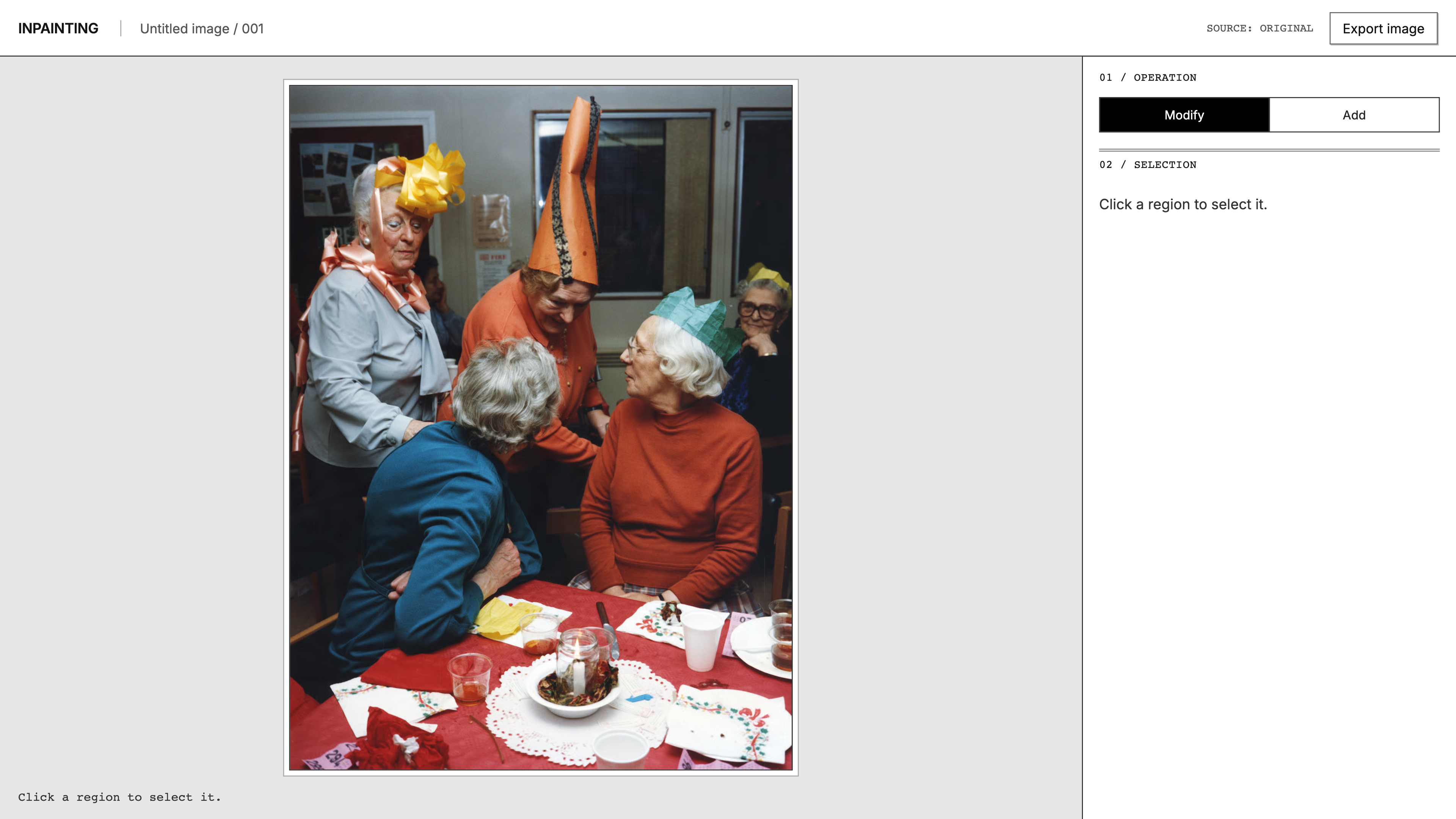
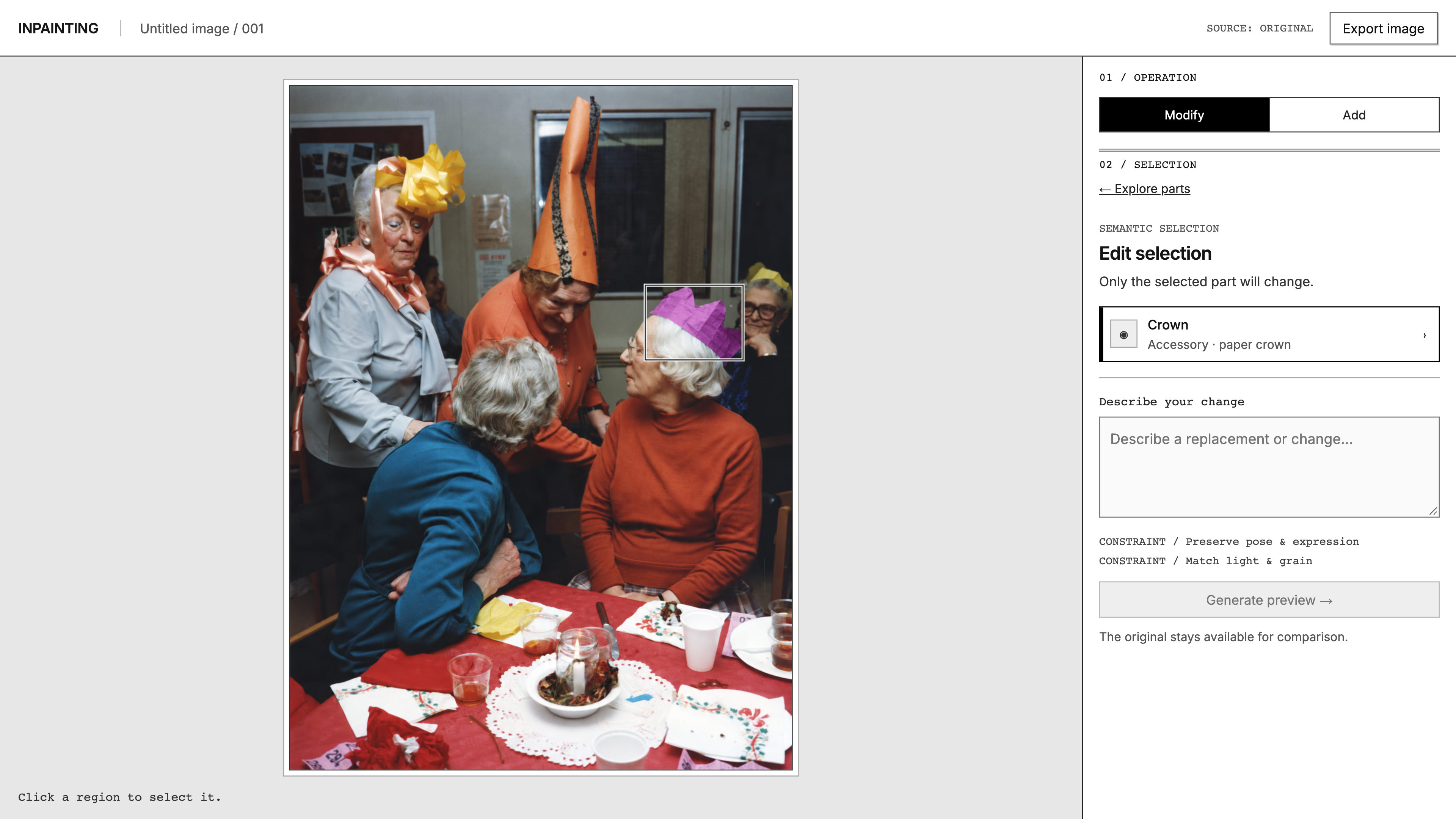
Current inpainting tools often ask users to brush or otherwise define a region before describing the change, though some tools offer smart selection. That still leaves users managing the boundary and scope of an edit.
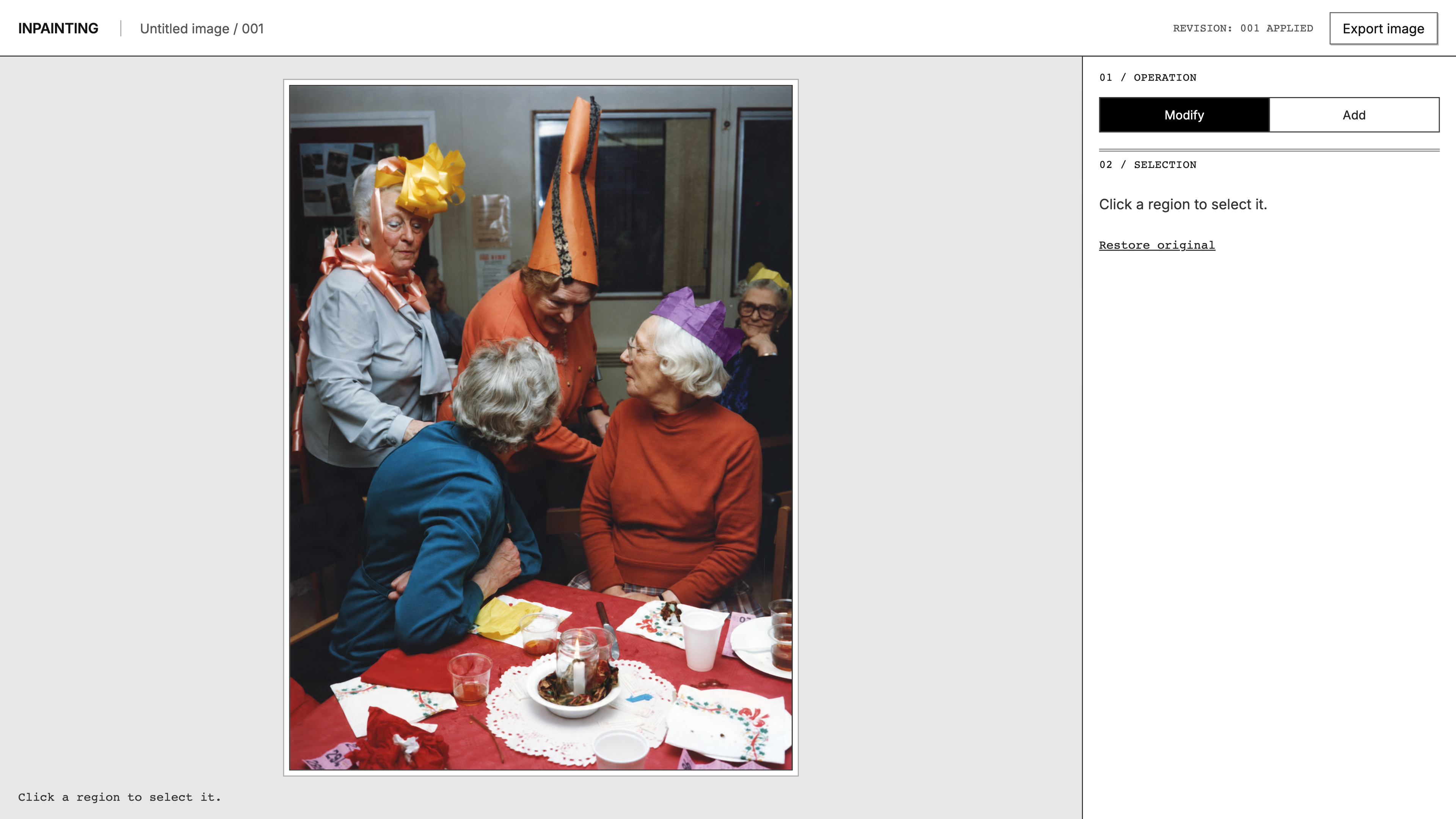
This flow makes selection an exploration of the image: hover to discover an object, click to select it, then move deeper into a specific part. It aims to reduce manual masking and ambiguity about what will change, while keeping the edit’s scope visible

Composing with layer prompts
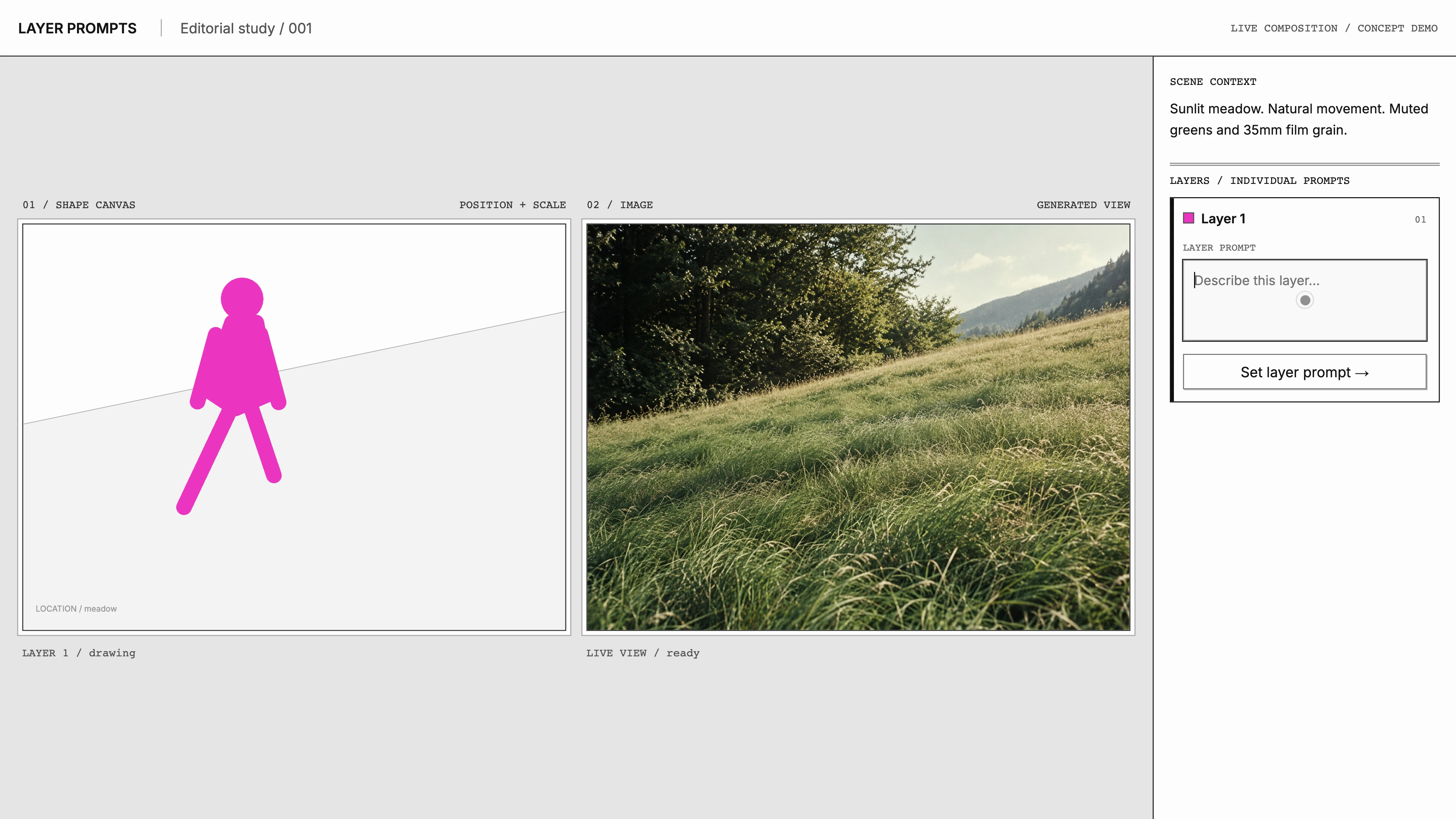
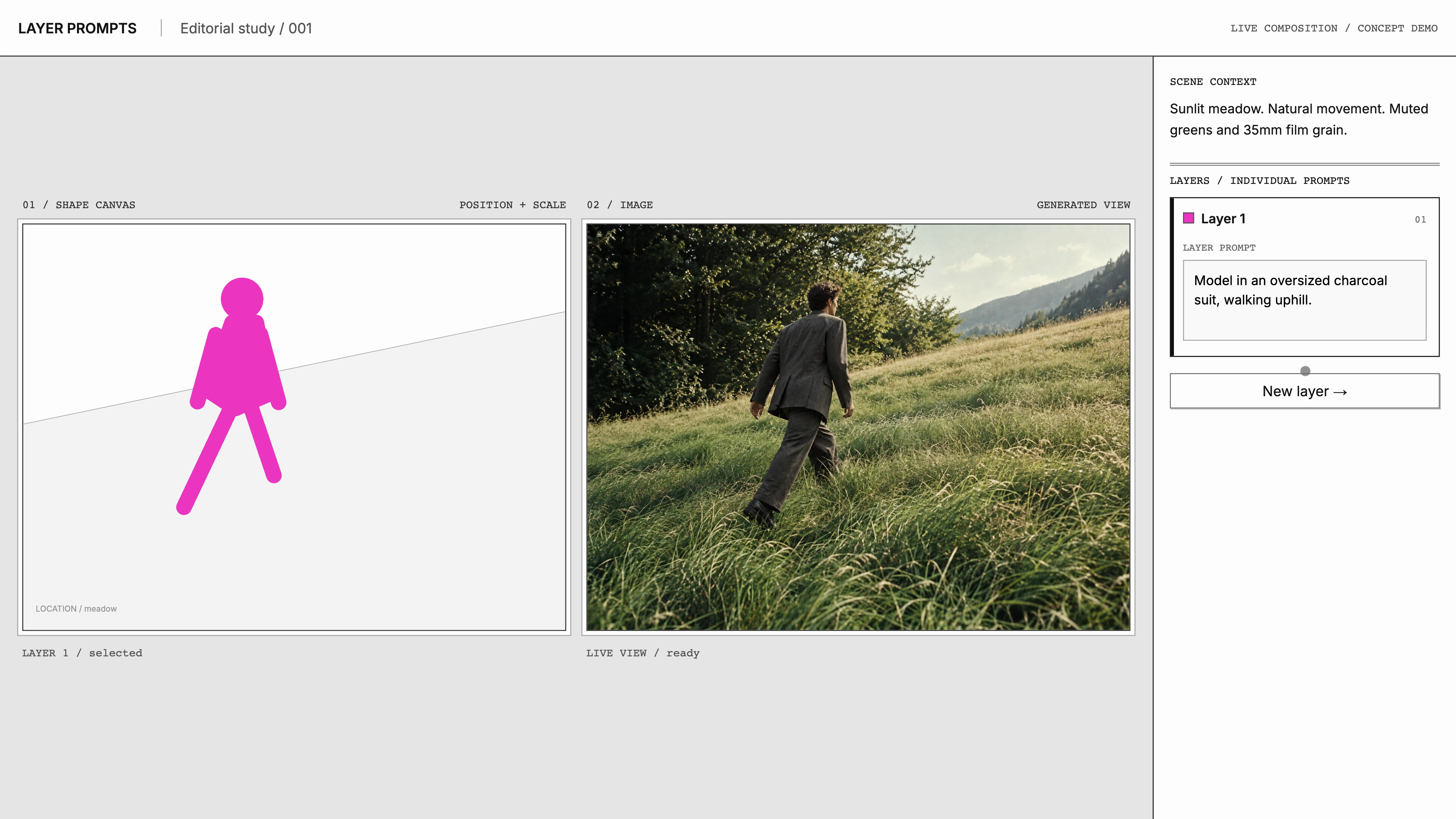
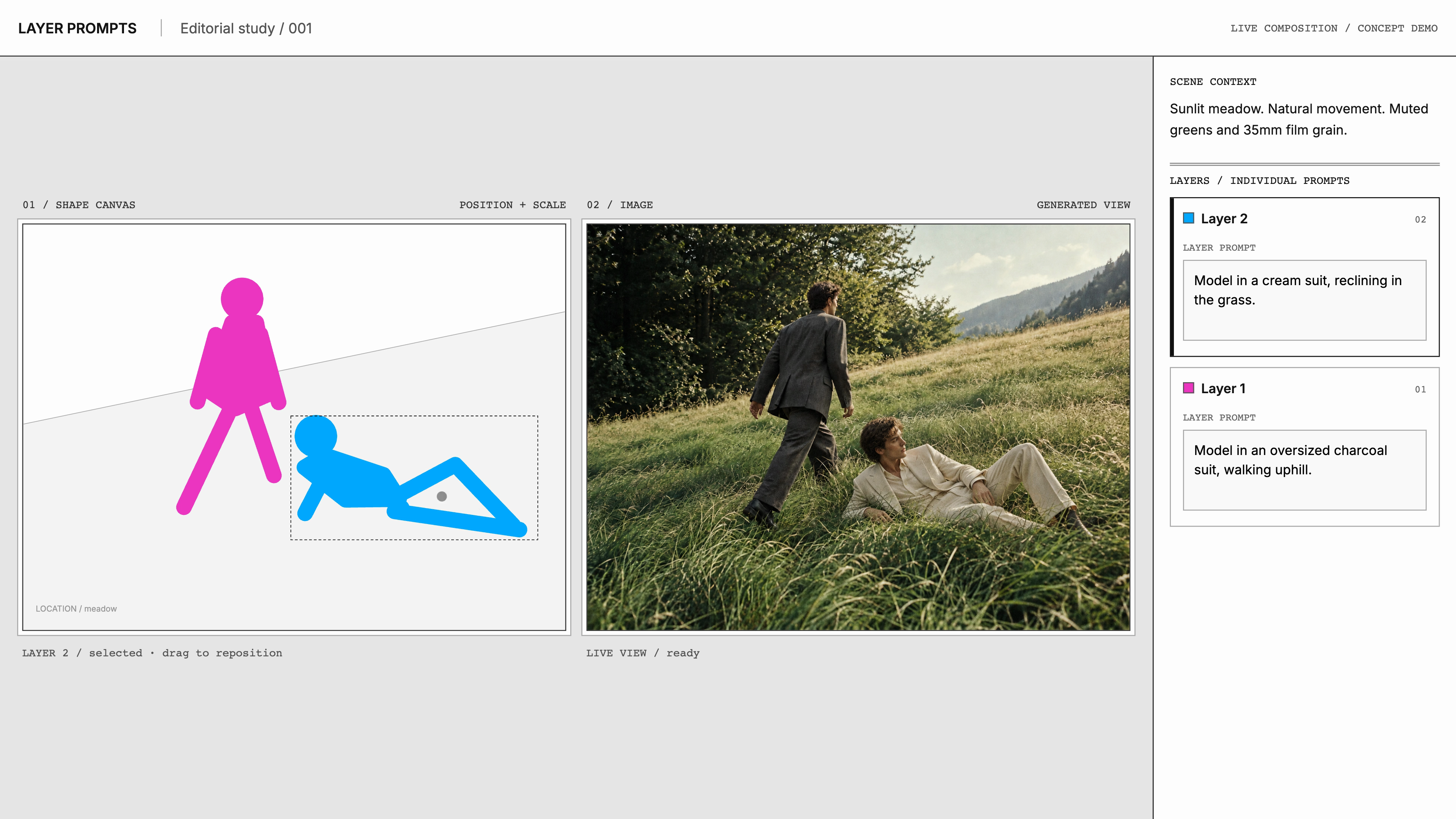
Tools like Krea already offer live sketch-to-image feedback. This concept adds explicit control per layer: each layer has its own prompt, while its shape and position guide the composition. This lets creators explore subjects and placement without continually rewriting a scene-wide prompt.